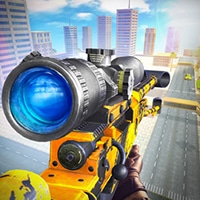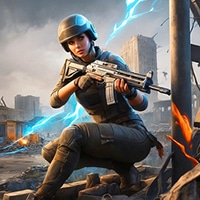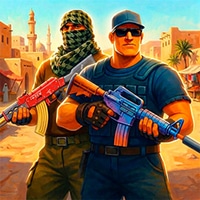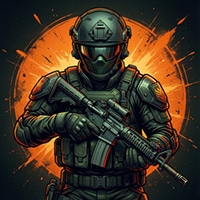
 CoD Game is a fast-paced first-person shooter that brings intense multiplayer FPS action straight to your browser. Jump into competitive battles inspired by the classic Call of Duty: Modern Warfare experience, with tactical gameplay elements fans of Counter-Strike, Standoff 2, and Valorant will love.
Choose your loadout in CoD Game, sharpen your aim, and team up with your squad as you battle across a variety of challenging maps. Every match demands quick reflexes, smart positioning, accurate shooting, and strong teamwork. Whether you prefer rushing into combat or carefully planning your next move, adapt your strategy and outplay your opponents.
Train your aim in CoD, unlock powerful weapons, customize your firepower, and experiment with different class loadouts to find the setup that fits your playstyle. With its blend of classic military FPS action and esports-inspired competition, CoD delivers an exciting browser shooter experience for players who love high-stakes multiplayer battles.
Key Features of CoD Game:
- Fast-paced browser-based FPS action.
- Competitive multiplayer battles.
- Tactical game play inspired by CoD, CS, Standoff 2, and Valorant.
- Diverse maps with intense firefights.
- Multiple weapons and customizable loadouts.
- Improve your aim and shooting skills in CoD.
- Team-based combat and strategic gameplay.
- Esports-inspired competitive experience.
- Classic military shooter atmosphere.
- No download required — play directly in your browser.
Are you ready to prove your skills in CoD Game?
Enter the battlefield, dominate your rivals, climb toward the top, and become a legend in this action-packed online FPS!
Also make sure to check Real COD Strike Game, you may enjoy playing it.
The gameplay video is available on YouTube: